A product manager at 4:40 on a Friday, staring at forty pages of user-interview notes that must become a one-page brief by Monday. She gets a structured draft in ninety seconds, spends twenty minutes fixing what it got wrong, and leaves on time. That is the entire question of appropriate tasks for using generative AI in one scene: the draft was cheap to check, the errors were easy to spot, and nothing irreversible happened before a human read it. Change any one of those three conditions and the same tool becomes a liability instead of a shortcut.
Appropriate Tasks for Using Generative AI: How to Tell the Difference
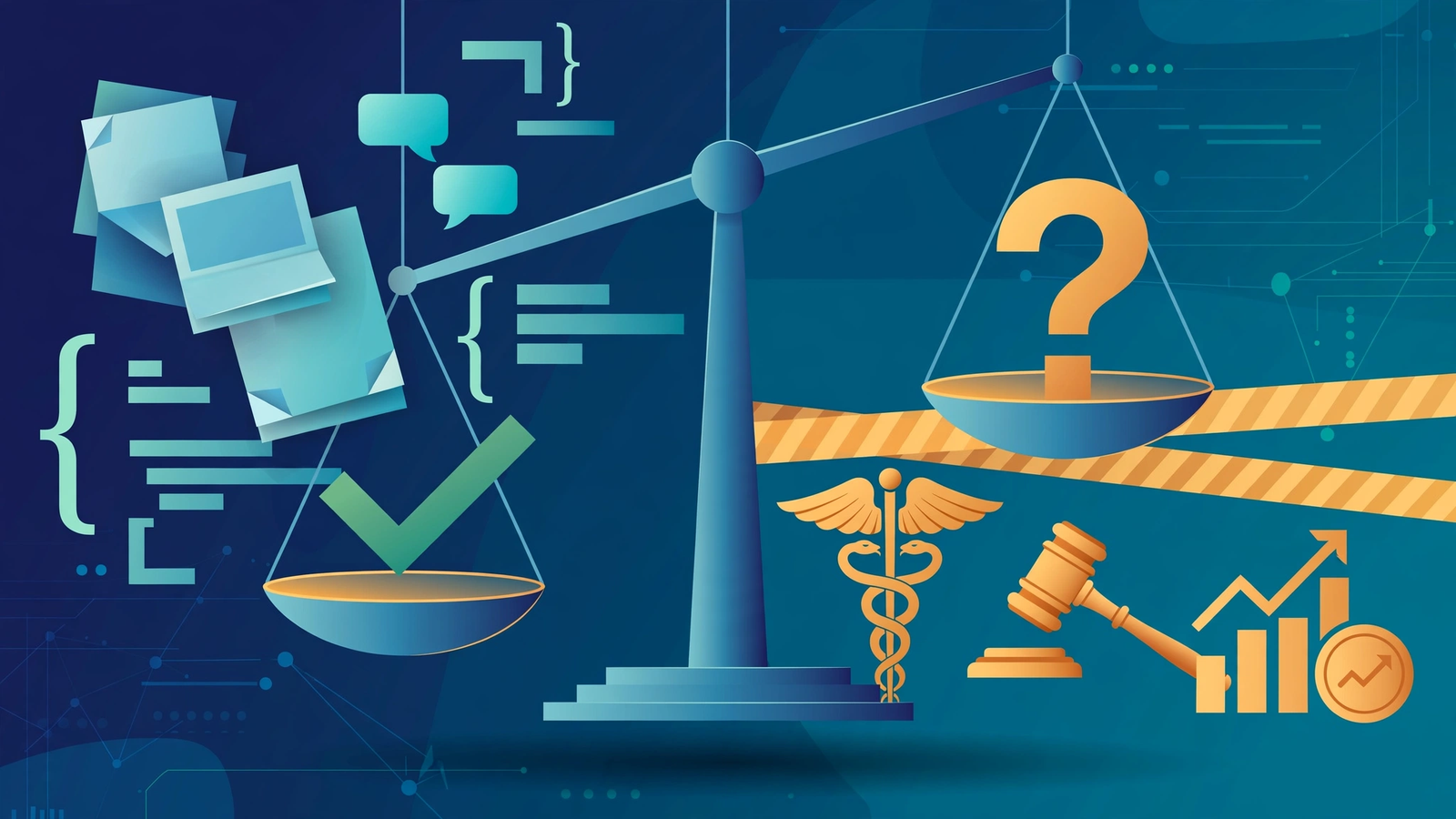
Most guides answer this with a list, and lists go stale fast. Better: a test that separates appropriate tasks for using generative AI from the risky ones. Ask whether the output can be checked cheaply before anything important happens. A draft you will read anyway, a summary you can compare against the source, code that either runs or does not, these pass. A legal interpretation no one on your team can evaluate, a medical suggestion, a hiring decision, these fail, because checking costs more than doing, or requires expertise you do not have.
Anthropic studied its own engineers, 132 surveyed, 53 interviewed, and found they consistently delegate easily verifiable tasks, where they can “relatively easily sniff-check on correctness.” Most believe only 0 to 20 percent of their work can be handed over fully, with no verification at all. For them, AI is a constant collaborator, not an unsupervised employee.
Two corollaries follow. Capability is not appropriateness: the model producing an answer says nothing about whether you should accept one. And the cheaper the check, the better the task, the principle behind nearly every appropriate task for using generative AI below.
What the People Who Build AI Actually Hand Over to It
Reading through the interview excerpts in Anthropic’s write-up, the quote that stayed with me was the simplest: “It’s absolutely amazing for everything where validation effort isn’t large in comparison to creation effort.” That is the whole economics behind appropriate tasks for using generative AI. If checking takes as long as doing, you have gained nothing.
The pattern is recognizable: work outside their own context but low in complexity, “I use Claude for things where I have low context, but think that the overall complexity is also low”, and the boring stuff, without apology: “The more excited I am to do the task, the more likely I am to not use Claude.” On average, 44 percent of their AI-assisted work was tasks they would not have enjoyed. Design and taste decisions stay human, for now.
Some reported spending more time on AI-assisted tasks, debugging generated code they did not write. The tasks where AI disappointed were exactly the ones these engineers do not delegate: large, complex environments heavy on tacit knowledge. Appropriate tasks for using generative AI, seen from the inside, are the verifiable, low-stakes, slightly dull ones, and the engineers are refreshingly blunt about it.
Ten Generative AI Use Cases Where the Check Is Cheap
Here are ten generative AI use cases where the upside is real. These ten appropriate tasks for using generative AI share one trait: a human can confirm the result without breaking a sweat. Each one includes why it works, not just the claim that it does.
1. Drafting, rewriting, and editing written content
The classic use case, and still the strongest: first drafts are slow for humans and fast for models, and every word gets read by its author before it ships. McKinsey’s survey finds AI revenue gains concentrate in marketing and sales, the functions that live on written output.
2. Summarizing documents, meetings, and long reports
Compression is what these models are built for: a forty-page report becomes a one-page brief, a rambling transcript becomes action items. Spot-check against the source, but keep the source around, because summaries of summaries drift.
3. Brainstorming and idea generation
Twenty mediocre ideas in thirty seconds is genuinely useful, you were going to discard nineteen anyway, and a bad idea costs nothing to reject. Where this goes wrong is skipping the selection step and shipping the model’s first suggestion. The brainstorm is appropriate. The decision stays yours.
4. Explaining concepts and learning support
Having a difficult idea explained three ways, at three levels of depth, is one of the highest-value personal uses. The engineers’ caveat applies double here: outsource all the struggling and you outsource the learning. Use it to get unstuck, then close the tab and reconstruct the idea yourself.
5. Coding assistance
The most studied answer to what generative AI is good for in a developer’s day. At Anthropic, 55 percent of engineers use AI for debugging daily and 42 percent for understanding existing code, well ahead of writing new features. Debugging wins because the tests either pass or they do not; the machine grades its own homework. High-level design stays human. If you are new to this, a structured beginner’s guide to AI agents covers the early mistakes worth skipping.
METR’s research found experienced developers overestimated their productivity boost on familiar codebases, the tasks where AI disappoints are exactly the complex ones these engineers don’t delegate.
6. Research synthesis
Reading across a dozen papers and pulling out the through-lines is slow, mechanical work with a clear verification path: every claim should point back to a source you can open. Treat an uncited claim as a rumor until confirmed. Models are fluent synthesizers and unreliable citers.
7. Structured workflow assistance
Multi-step work with clear rules, triaging a queue, categorizing expenses, formatting data to a template, is a natural fit. Anthropic’s agent guidance is specific: open-ended problems you cannot hardcode, inside trusted environments, with sandboxed testing and real guardrails. The value shows up where tasks need both conversation and action, have clear success criteria, and keep meaningful human oversight. A vague goal with no guardrails is abdication, not delegation.
8. Extracting information from unstructured text
Pulling names, dates, and amounts out of contracts and invoices is pattern-matching at scale, and the output is structured, which makes it checkable field by field, among the most appropriate tasks for using generative AI in enterprise settings. The hard rule is data governance: sensitive documents do not go into a tool whose data handling you have not verified.
9. Preparing customer-support drafts
Drafting replies for human agents to review and send is among the most widely scaled deployments in McKinsey’s survey. Note the shape of the appropriate task: the AI drafts, the human sends. Fully autonomous support without review is a different task with a different risk profile.
10. Translation and localization
First-pass translation is fast, cheap, and checkable by any bilingual reader, appropriate for internal documents and draft localization. For anything customer-facing or legally binding, a human translator still reviews.
Where the Gains Actually Show Up
McKinsey’s State of AI survey keeps repeating one pattern: eight in ten say AI improved their individual productivity; half say it helps them make better decisions, yet only 37 percent report any enterprise-level impact on earnings. Personal productivity and company value are not the same thing, and the gap is where most AI strategies quietly stall.
The organizations finding appropriate tasks for using generative AI at scale look different. McKinsey’s high performers, about 6 percent, do not just chase efficiency; they pursue growth and innovation alongside it, are 3.3 times more likely to aim at fundamentally transforming the business, and nearly three-quarters redesign workflows around AI instead of bolting it onto old ones. Returns come from changing how work is done, not from the model itself. Our enterprise AI ROI framework details why pilots that skip this step die quietly.
It helps to know where the money actually moves. Cost reductions show up most in supply chain management, service operations, and manufacturing, unglamorous, process-heavy functions. Revenue gains concentrate in marketing and sales, product and service development, and software engineering. If an AI plan starts with the flashiest department instead of the most process-heavy one, the data says it is backwards.
When Not to Use Generative AI, or Fence It In Tightly
The other half of appropriate tasks for using generative AI is knowing when not to use generative AI at all. Start with anything where a wrong answer looks exactly like a right one and nobody qualified is checking. Stanford’s Human-Centered AI institute found legal AI models hallucinate in one out of six, or more, queries. A fluent, confident, fabricated case citation is the canonical example, and it generalizes: medical guidance, financial advice, and regulatory interpretation belong in the fenced-in category, reviewed by a licensed professional before touching a real decision.
NIST’s generative AI risk profile gives the broader map: twelve risk areas including confabulation, data privacy, information security, intellectual property, harmful bias, and human-AI configuration, the polite term for overreliance. The failure mode is not the AI making an error. It is you no longer noticing.
Never let an AI system take an irreversible action unsupervised, moving money, deleting data, publishing under your name. Anthropic’s agent guidance is blunt: open-ended agents need trusted environments, sandboxed testing, and guardrails because autonomy compounds errors. A draft can be wrong. An action cannot be undrafted.
Then the quiet category: tasks where the AI is fine but the data handling is not. Customer records, health information, unreleased financials, these do not go into a consumer chatbot. Enterprise deployments with proper data controls exist for that.
The Transparency Rule Almost Everyone Skips
Appropriateness has a second axis that gets ignored: in some jurisdictions you now have a legal duty to say when AI did the work. Appropriate tasks for using generative AI in professional settings now include a disclosure step.
The working habit: not only “can I verify this” but “would the audience care that AI made it.” A labeled AI draft reviewed by a human is defensible almost everywhere; an unlabeled one presented as human work is where trust, and in Europe, compliance, starts to break. Our breakdown of the EU AI Act’s transparency rules covers the specifics. When in doubt, disclose.
A Three-Question Check Before You Delegate Anything
Here is the whole framework compressed. Run these three questions on any task before handing it to a model.
The delegation check
- Can I verify the output cheaply? If checking takes as long as doing, delegate nothing. If a quick skim or a test run settles it, proceed.
- Is the task low-stakes and reversible? Drafts, summaries, brainstorms, and first passes qualify. Money movements, legal filings, medical decisions, and anything published under your name without review do not.
- Am I keeping the judgment calls? Let the model do the mechanical work and keep the decisions, the taste, and the final sign-off. The engineers who build these systems keep design decisions for themselves. Follow their lead.
Two habits make the check work better. First, break complex tasks into smaller, focused prompts, OpenAI’s own ChatGPT guidance stresses this, because small tasks are easier to verify. Second, decide where the saved time goes: some engineers in Anthropic’s study spent their “savings” debugging AI output. Verification time is still time; budget for it honestly.
Tasks appropriate for generative AI share one trait when you strip away the details: a human stays in the loop at exactly the point where being wrong would matter. Everything else is implementation.
FAQ
Sources
Every factual claim above traces to one of these. The Anthropic engineering research is the one most competing guides never cite.
- Anthropic research, How AI is transforming work at Anthropic, internal study (132 engineers surveyed, 53 interviewed) on real AI delegation habits, what gets handed over, what stays human, and the 0 to 20% full-delegation finding.
- Anthropic engineering, Building effective agents, when autonomous agents are appropriate: open-ended problems, trusted environments, sandboxed testing, guardrails, and meaningful human oversight.
- McKinsey, The State of AI: Global Survey, adoption and scaling data, where the value concentrates, and what distinguishes the 6% of high performers.
- NIST, AI Risk Management Framework: Generative AI Profile (AI 600-1), twelve risk areas unique to or amplified by generative AI, including confabulation, data privacy, and human-AI overreliance.
- Stanford HAI, AI on Trial, why legal AI models hallucinate in one out of six or more queries, the evidence behind the “bad tasks” section.
- European Commission, Guidelines on AI transparency obligations, official guidance on labeling AI output and disclosing AI interaction under the EU AI Act.
- OpenAI Help Center, Prompt engineering best practices for ChatGPT, official guidance on clear prompts, iterative refinement, and breaking complex tasks into smaller ones.
Leave a Reply